
You can absolutely turn a small apartment into a productive, beautiful WFH oasis—without it looking like a makeshift office exploded in your living room. The trick is designing for daily focus and nightly relaxation, then letting your furniture and styling do the multitasking. Ready to make your space work as hard as you do?
1. Choose A “Headquarters” Zone (And Defend It)
© 2026 AI Illustrator — Inspiration Only
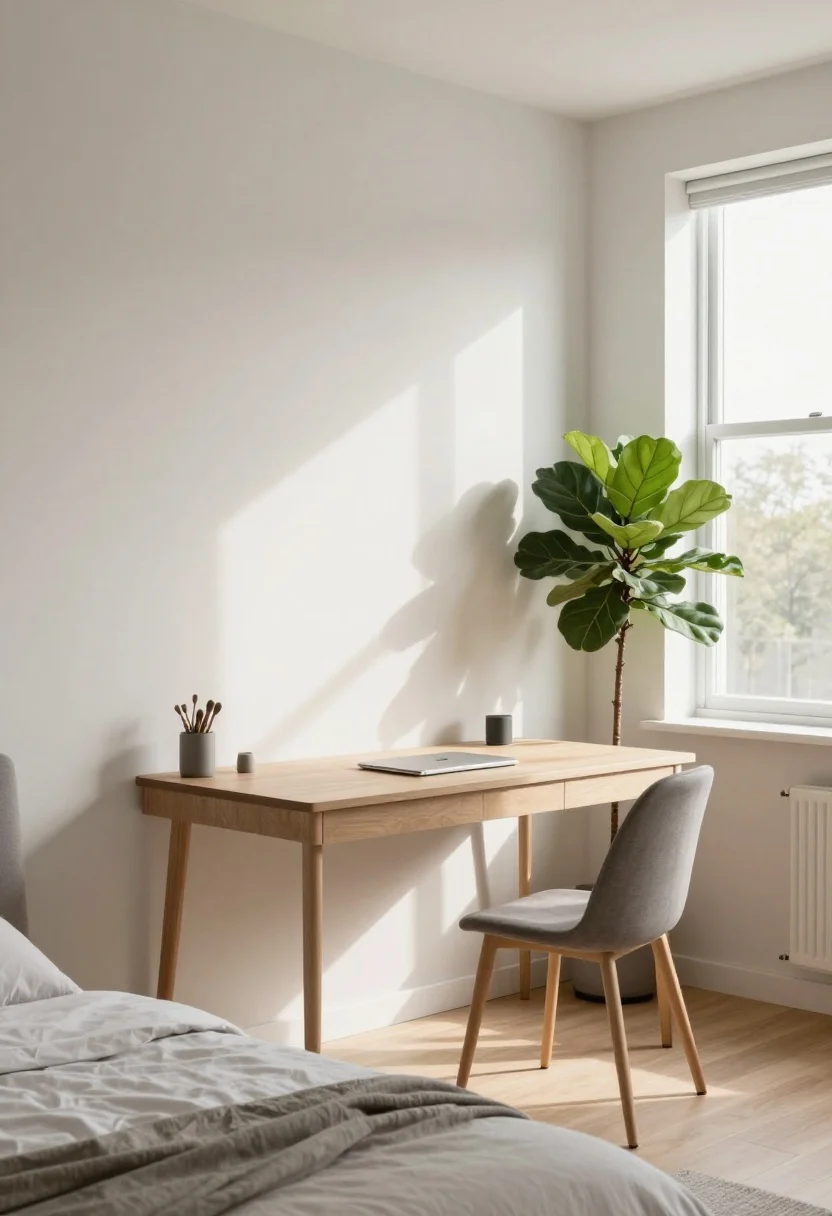
First up: pick your command center. It doesn’t need to be a whole room—just a defined zone that signals “work brain, activate.” Corner by a window? End of the living room? Even a generous hallway can be your HQ with the right setup.
What’s Your Apartment Decor Style?
Answer these quick questions to discover your perfect decor vibe.
What to look for
- Natural light: A window boosts mood and reduces eye strain. Face the light at an angle to avoid screen glare.
- Wall adjacency: A wall behind your desk cuts distractions and gives you a clean video-call background.
- Distance from the bed: Keep sleep and spreadsheets separate. Your brain will thank you.
Create visual borders so your apartment doesn’t feel like one big office. A slim room divider, freestanding shelves, or even a large plant (hello, fiddle-leaf fig) creates a subtle “door” to your workspace without blocking light.
2. Invest In A Desk That Pulls Its Weight
© 2026 AI Illustrator — Inspiration Only
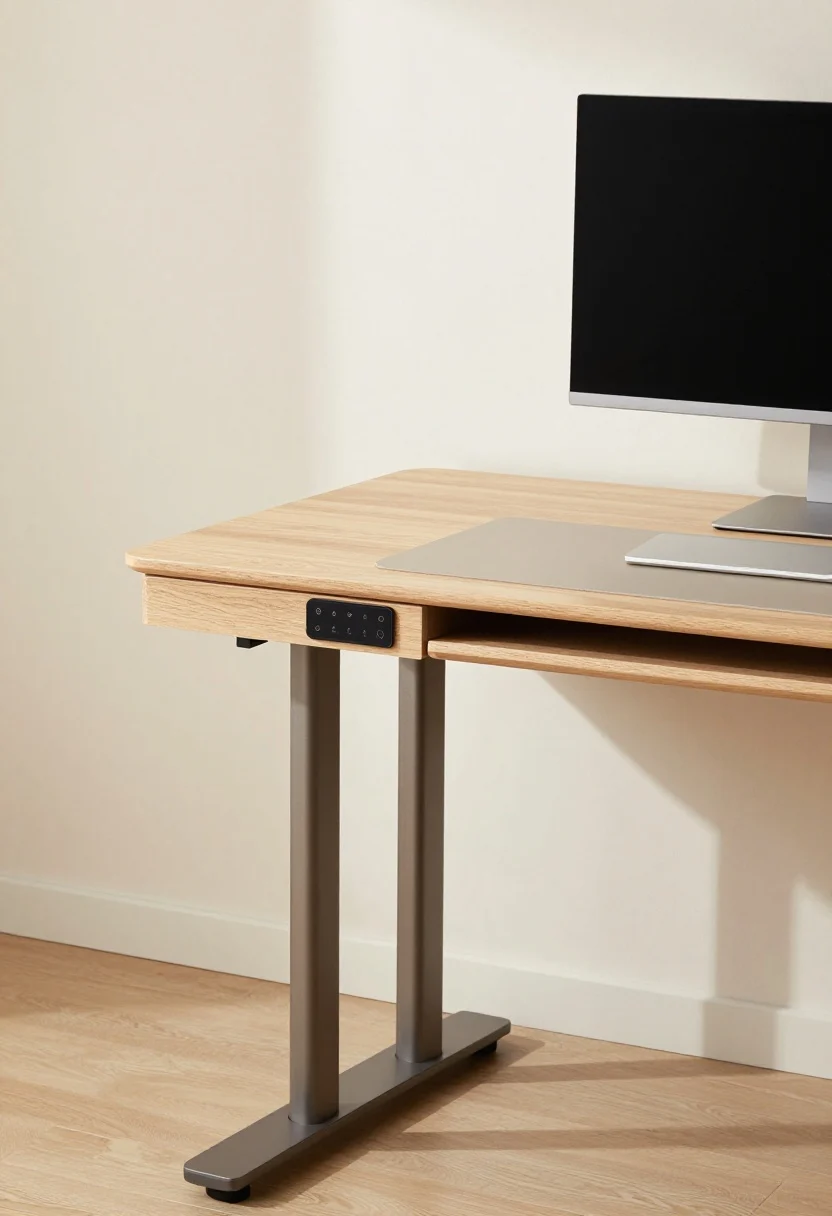
Form matters, but function pays the rent. Choose a desk you’re happy to sit at for hours, not a wobbly console you found on a curb. If space is tight, your desk should moonlight as a console or vanity after hours—sneaky but effective.
Smart desk picks
- Compact sit-stand desk: 40–48 inches wide fits most apartments; look for quiet motors and stored presets.
- Wall-mounted drop-leaf desk: Folds away when company comes over—like it never happened.
- Integrated storage: Drawers for chargers, cords, and sticky notes so your surface stays blissfully clear.
FYI: A monitor arm frees up huge desk real estate and puts your screen at eye level. Add a desk mat to define the zone and protect surfaces (bonus: it photographs nicely for those “new setup” humblebrags).
3. Prioritize Chair + Ergonomics (Your Spine Is A Long-Term Client)
© 2026 AI Illustrator — Inspiration Only
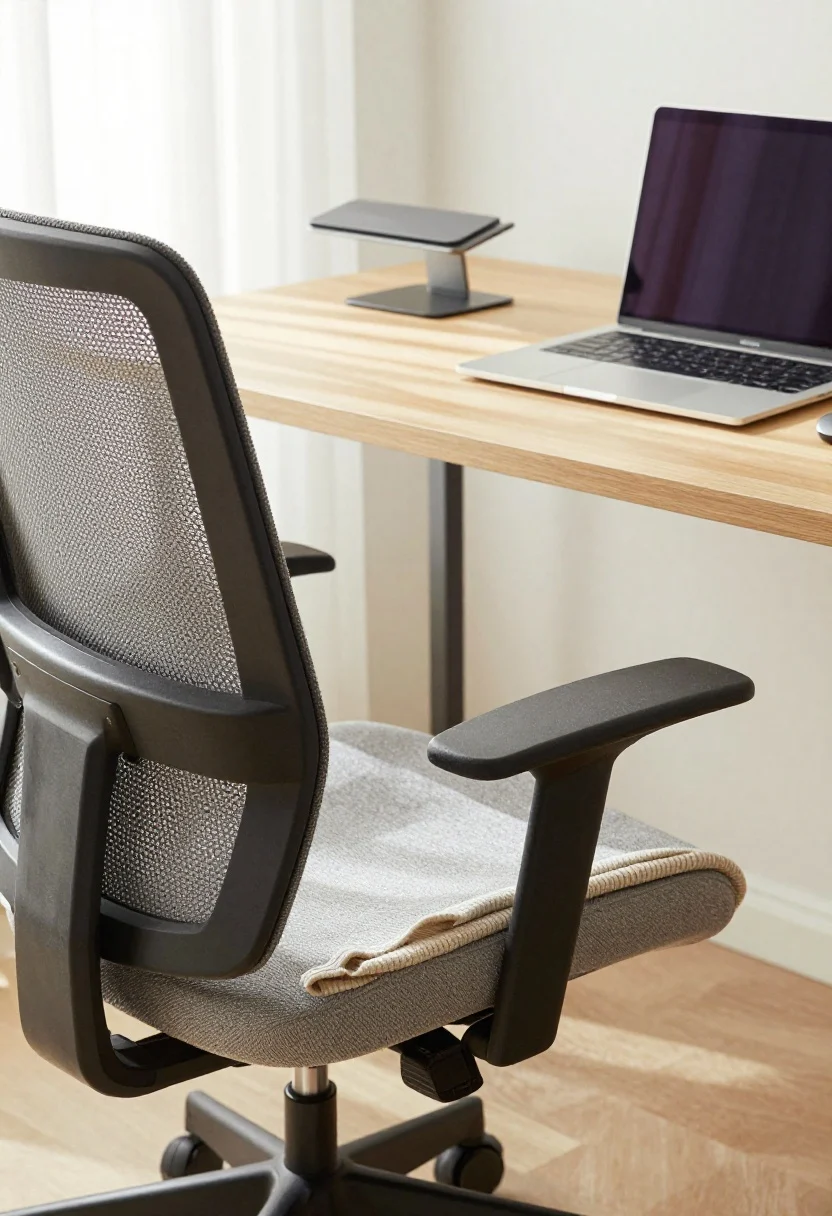
If you splurge anywhere, do it here. A gorgeous chair that looks great but torches your back by 2 p.m. is a hard pass. You want adjustability, breathable fabric, and a seat that keeps you comfy through long calls.
Ergo essentials
- Chair: Height-adjustable with lumbar support. Mesh is cooling, upholstery is cozy—choose your fighter.
- External keyboard + mouse: Keep elbows at 90 degrees and shoulders relaxed.
- Laptop stand: Puts your screen at eye level. Neck pain? Canceled.
- Footrest: A simple wedge prevents slouching and helps circulation.
Pro tip: If your chair lives in your living room, pick neutral fabric or a slim silhouette so it reads “design choice,” not “makeshift office.” Add a throw over the back for instant styling cred.
4. Light Like A Film Set (But Make It Cozy)
© 2026 AI Illustrator — Inspiration Only
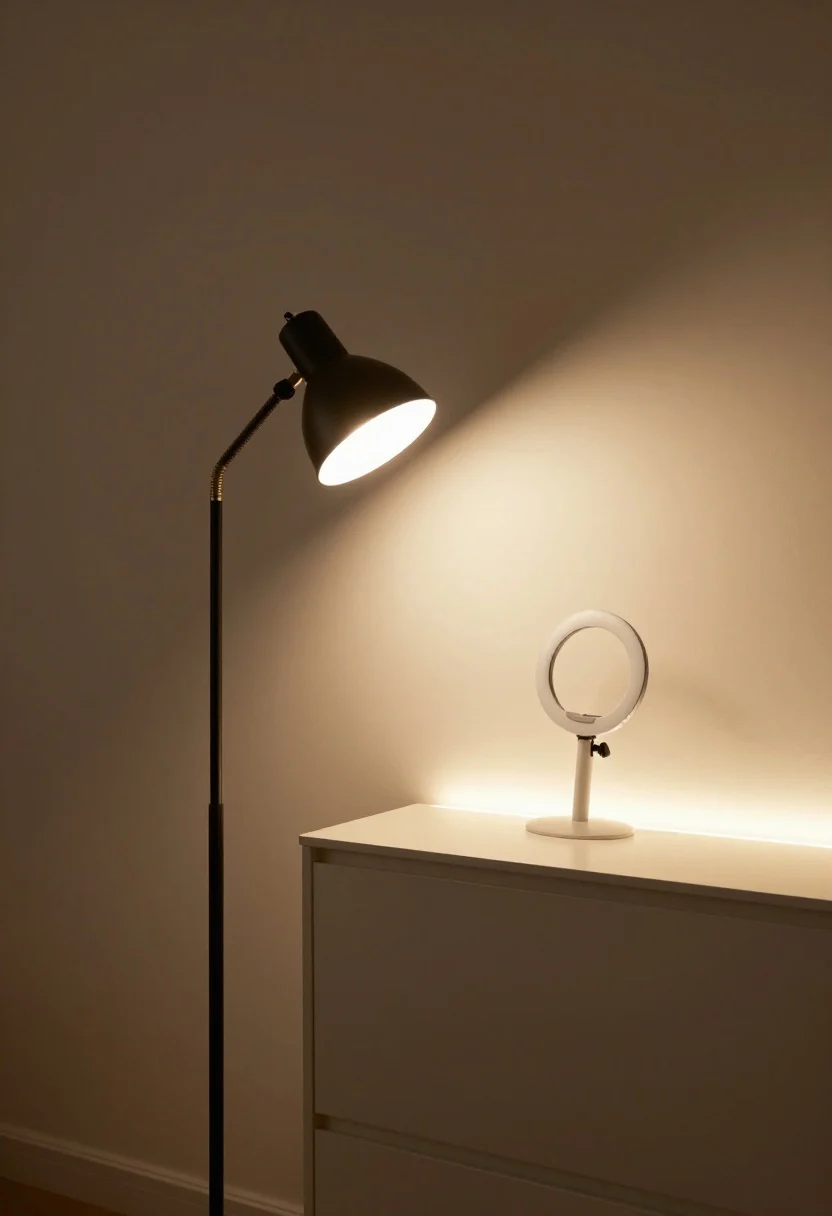
Lighting is the secret sauce. You want layered, adjustable light that keeps you alert by day and relaxed by night. Think of it like a dimmable mood ring for your space.
The 3-layer lighting rule
- Ambient: Overhead or floor lamp for general brightness. Warm-dim bulbs (2700–3000K) keep it soft.
- Task: A desk lamp with adjustable arm and 4000–5000K bulb for crisp focus.
- Accent: LED strip under shelves or behind your monitor for that gentle halo glow.
On video calls, face a window or add a slim ring light behind your monitor for even lighting. At night, drop brightness and pivot task light downward so your brain knows it’s “off” time—IMO the fastest path to work-life balance.
5. Style A Calm, Credible Background (Your Zoom Reputation Depends On It)
© 2026 AI Illustrator — Inspiration Only
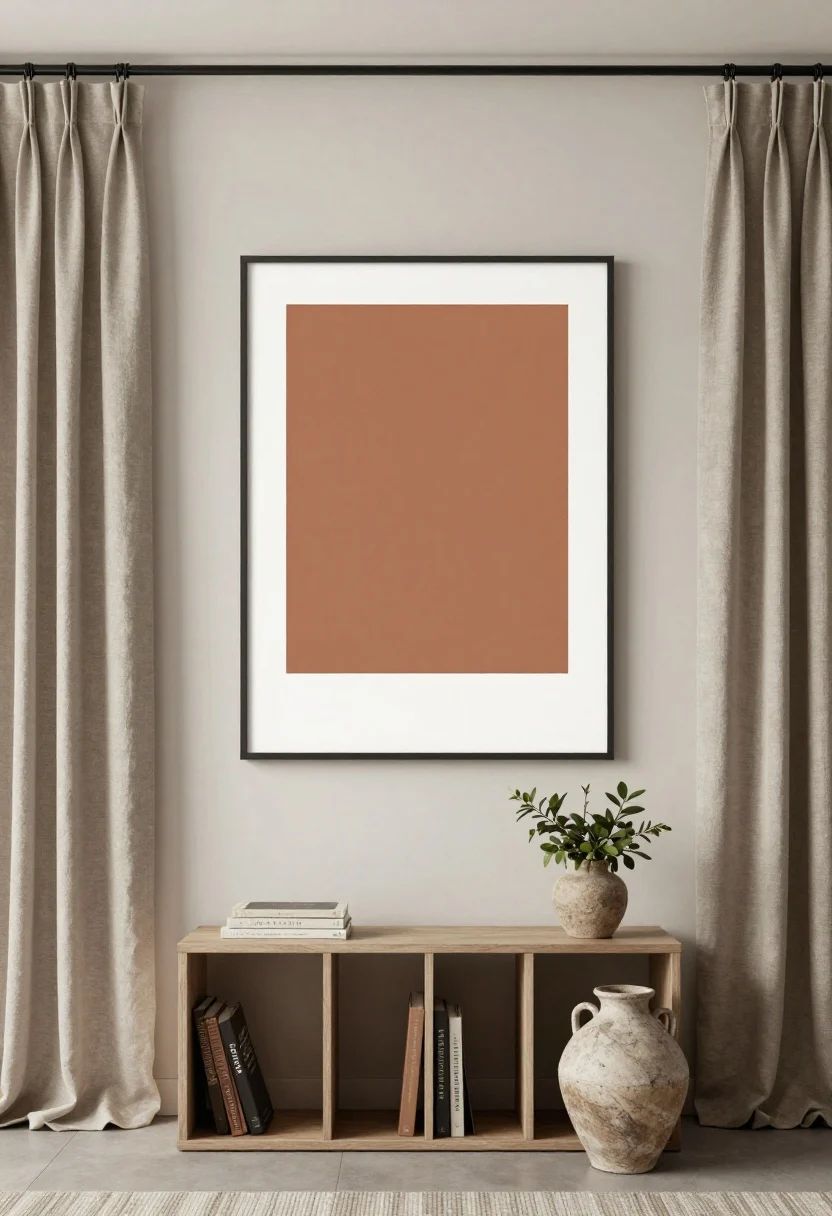
Your backdrop is your personal brand. Keep it clean, layered, and intentional so you look polished without trying too hard. Plus, you’ll love glancing up from emails to see something pretty.
Backdrop formula that always works
- One large anchor: Art print, framed fabric, or a minimal gallery wall (3–5 pieces max).
- Vertical interest: A slim bookshelf or wall-mounted ledge to break up flat walls.
- Texture: Linen curtains, woven basket, or stoneware vase to soften tech vibes.
- Greenery: Pothos, snake plant, or olive tree—low maintenance, high impact.
Color-wise, keep it muted with one accent: soft taupe, clay, and charcoal with a pop of terracotta or sage. Hide chaos with a lidded basket or cabinet—no one needs to see your cable spaghetti.
6. Master Cable Control And Storage (Clutter Is Productivity Kryptonite)
© 2026 AI Illustrator — Inspiration Only
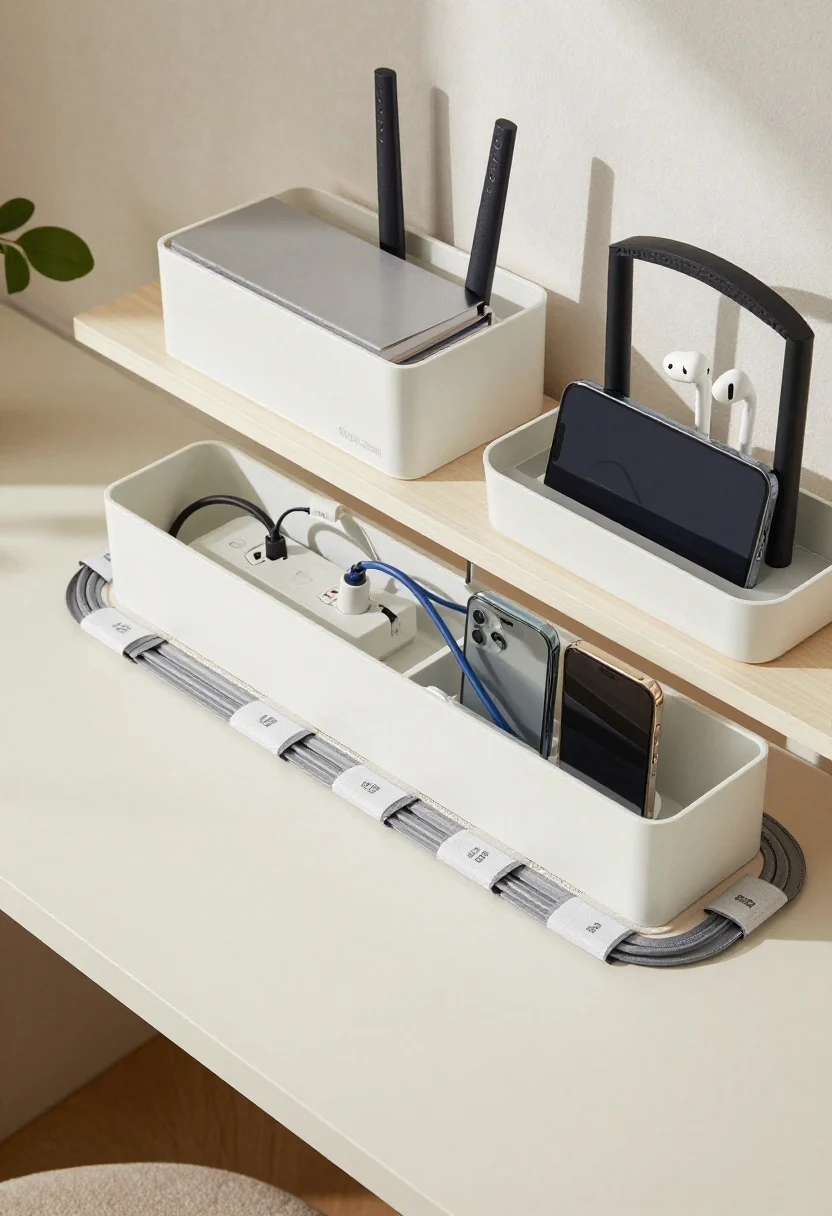
Ugly wires? Not on our watch. The cleaner your surfaces, the calmer your brain. Build storage into your decor so it stays pretty even on deadline days.
Clutter-proofing moves
- Cable management: Adhesive raceways, under-desk trays, and Velcro wraps. Label each cord once; future you wins.
- Charging dock: A multi-device stand on a side table keeps everything corralled.
- Hidden printers: Tuck into a storage ottoman or a sideboard cabinet with a cut-out for airflow.
- Rolling cart: Store files, mic, tripod, and sketch pads; roll it out for work, hide it after hours.
For tiny apartments, go vertical: floating shelves above the desk for routers and notebooks. Use matching boxes or magazine files for a unified look. It’s the storage equivalent of a good outfit—pulled together and intentional.
7. Create A Ritual-Ready Off-Switch (Boundaries, But Make Them Beautiful)
© 2026 AI Illustrator — Inspiration Only
Working from home full-time can blur every line ever. Build micro-rituals and visual cues that tell your brain “we’re done here” so your apartment can go back to being, you know, a home.
Transition tricks that stick
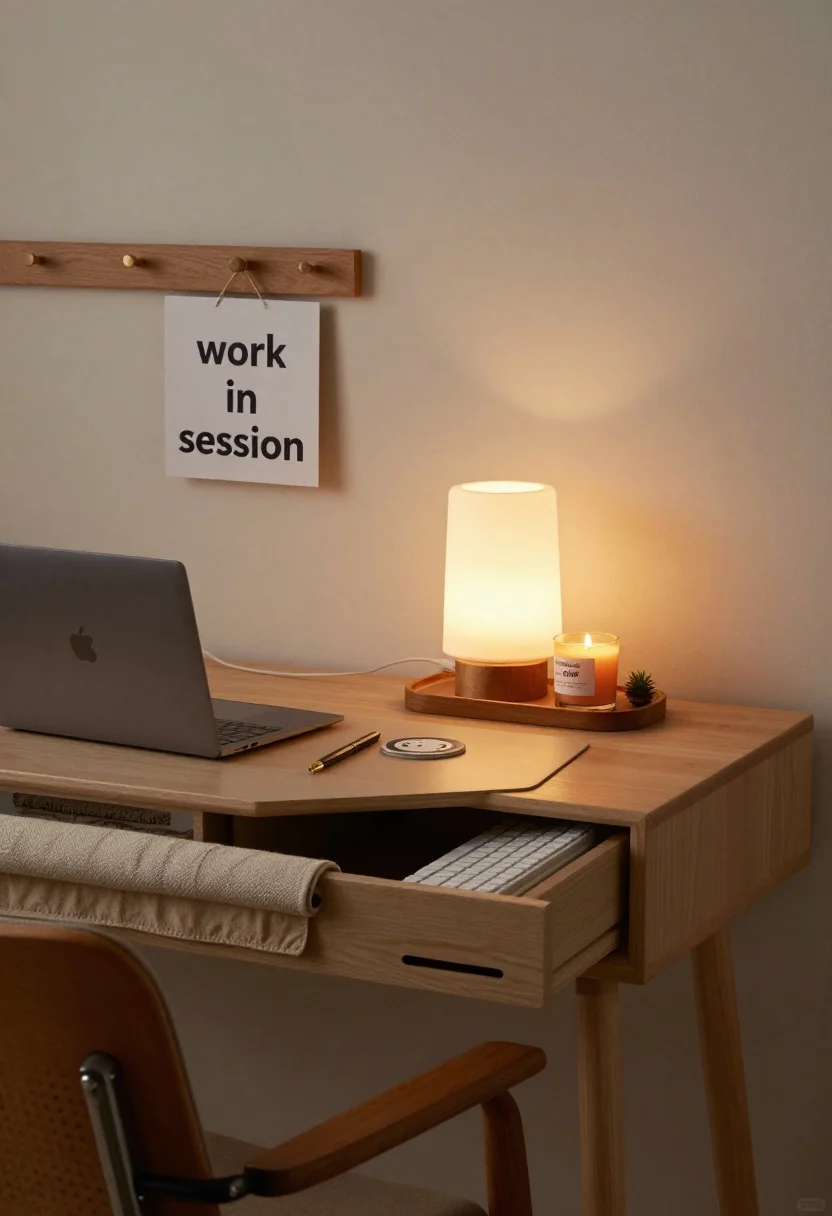
- Close and conceal: Put your laptop in a dedicated drawer or sleeve. Out of sight = out of mind.
- Swap the scene: Turn off task lights, switch on a warm floor lamp, and light a candle (cedar, fig, or bergamot).
- Textile reset: Toss a cozy throw over the chair, roll up the desk mat, and slide your keyboard into a drawer.
- Sound shift: Daytime focus playlist → evening chill. The vibe change is magic, FYI.
If you live with roommates or a partner, add a small “work in session” sign on a hook near your desk. When it’s flipped, interruptions drop. When it’s not, kitchen gossip resumes. Balance, achieved.
Room-by-room examples
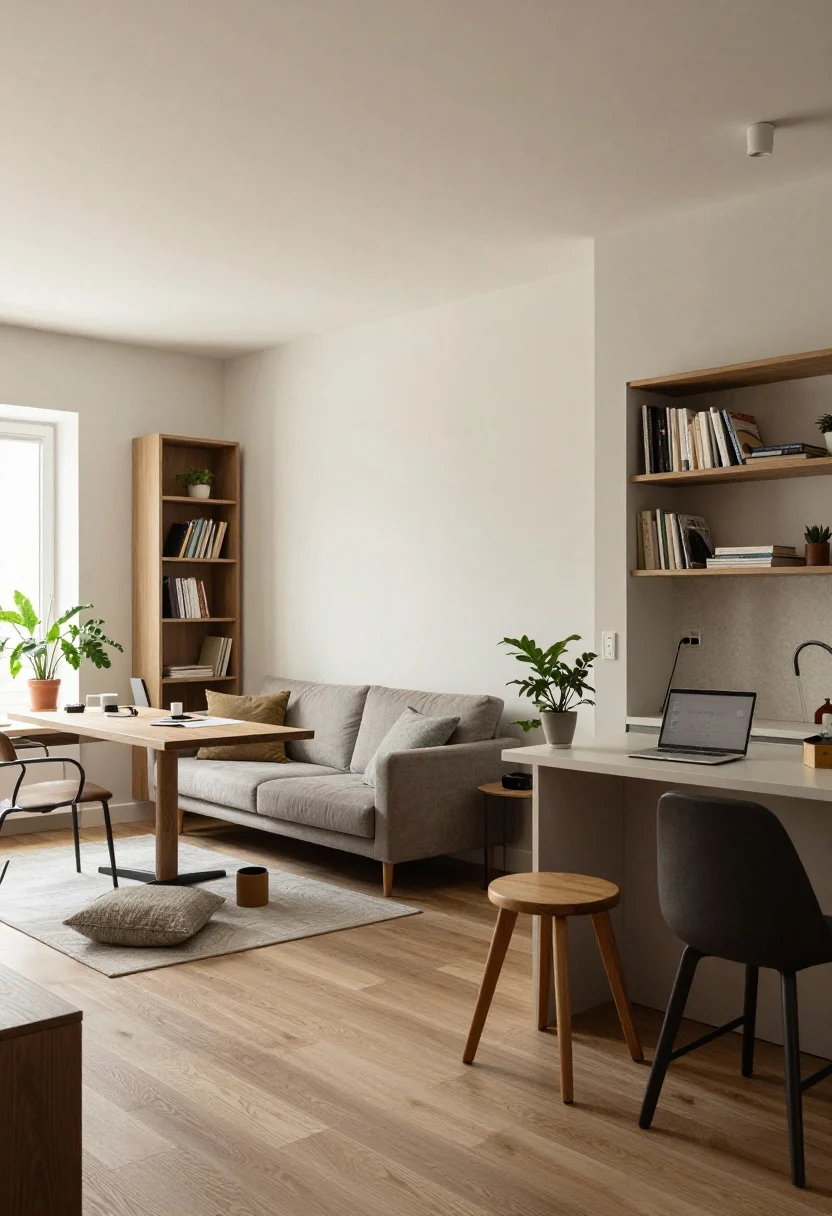
- Studio: Use an open-back bookshelf to divide “office” from “sleep,” with a wall-mounted desk and pouf tucked under.
- One-bedroom: Float a desk behind the sofa to double as a console. Hide peripherals in the media cabinet.
- Alcove kitchen: Slim bar-height desk with a stool—great for quick stand sessions and meal-prep adjacency.
Final flourish? A small tray of joy on your desk: nice pen, coaster, tiny plant, and a candle. It’s the difference between “I work here” and “I thrive here.”
Conclusion
© 2026 AI Illustrator — Inspiration Only
A full-time WFH apartment doesn’t need extra square footage—it needs smart zones, hardworking furniture, and intentional styling. Pick your HQ, light it well, tame the cables, and give yourself a beautiful off-switch ritual. Do that, and your space will feel productive by day and relaxing by night—aka the best kind of double life. Now go make the chic office your laptop deserves.